Docker Logging Rotation
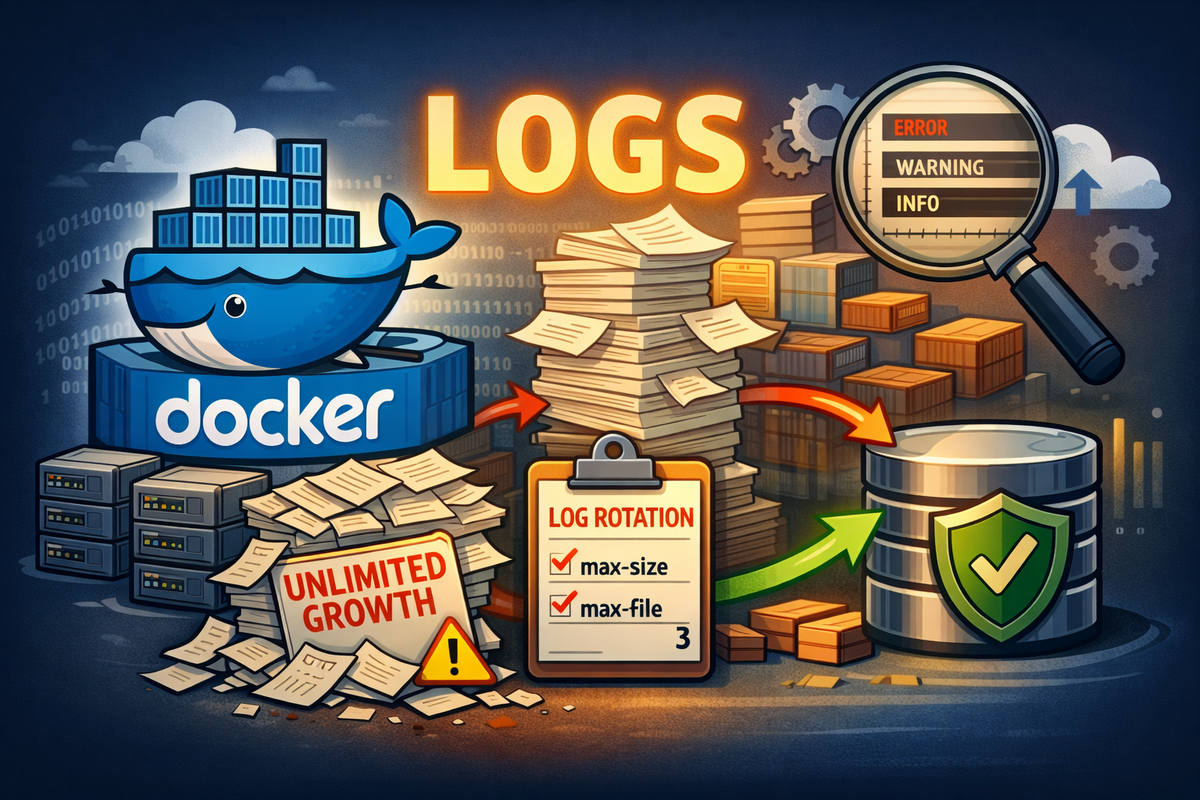
Auditing current Docker logging status (script-based)
You can reliably inspect the current logging state of all existing containers using a script.
This is the only way to know the truth, because Docker does not surface this clearly by default.
The following PowerShell script reports:
- Container name
- Container ID
- Current log size
- Logging driver
- Whether log rotation is actually enabled
If LogConfig.Config is {}, the container is logging without rotation.
$base = "/var/lib/docker/containers"

if (-not (Test-Path $base)) {
    Write-Error "Docker containers path not found: $base"
    exit 1
}

$containerMap = @{}
docker ps -a --format "{{.ID}} {{.Names}}" | ForEach-Object {
    $p = $_ -split " ", 2
    if ($p.Count -eq 2) {
        $containerMap[$p[0]] = $p[1]
    }
}

$logConfigMap = @{}
docker inspect $(docker ps -aq) `
  --format '{{.Id}}|{{.HostConfig.LogConfig.Type}}|{{json .HostConfig.LogConfig.Config}}' |
ForEach-Object {
    $p = $_ -split "\|", 3
    if ($p.Count -eq 3) {
        $logConfigMap[$p[0]] = @{
            Type   = $p[1]
            Config = $p[2]
        }
    }
}

$logs = Get-ChildItem -Path $base -Recurse -Filter "*-json.log" -File

$result = foreach ($log in $logs) {
    $cidFull = $log.Directory.Name
    $cid = $cidFull.Substring(0, 12)
    $name = $containerMap[$cid] ?? "(unknown)"

    $cfg = $logConfigMap[$cidFull]
    $driver = $cfg.Type
    $opts = $cfg.Config

    $rotated =
        ($driver -eq "json-file") -and
        ($opts -match "max-size") -and
        ($opts -match "max-file")

    [PSCustomObject]@{
        Name        = $name
        ContainerId= $cid
        SizeMB     = [math]::Round($log.Length / 1MB, 2)
        Driver     = $driver
        Rotation   = if ($rotated) { "OK" } else { "NO (unbounded)" }
    }
}

$result | Sort-Object SizeMB -Descending | Format-Table -AutoSize

$total = ($logs | Measure-Object Length -Sum).Sum
"`nTotal Docker log size: {0} MB" -f ([math]::Round($total / 1MB, 2))
Setting default logging behavior with daemon.json
Docker supports default logging configuration via /etc/docker/daemon.json.
This file acts as a template for future container creation only.
Example configuration:
{
  "log-driver": "json-file",
  "log-opts": {
    "max-size": "10m",
    "max-file": "3"
  }
}
After editing:
sudo systemctl restart docker
Important facts:
- This does not modify existing containers
- This does not truncate existing logs
- It only defines defaults for containers created afterward
Recreating containers is mandatory
For containers that already exist:
docker restart→ no effectsystemctl restart docker→ no effectdocker update→ not supported
Only container recreation applies the new logging configuration.
Valid methods:
docker compose up -d --force-recreate
or
docker stop <container>
docker rm <container>
docker run ...
If a container was created without log rotation, there is no in-place fix.
Final rule
daemon.json defines defaults.
Recreation applies them.